
Premium Mobile Care
iPhone repair
iPhones reward careful repair and punish shortcuts. Displays affect True Tone, batteries affect health reporting, and Face ID hardware must never be disturbed carelessly. Our benches handle iPhones daily — and we explain, before you approve anything, exactly how each part choice behaves on an iPhone.
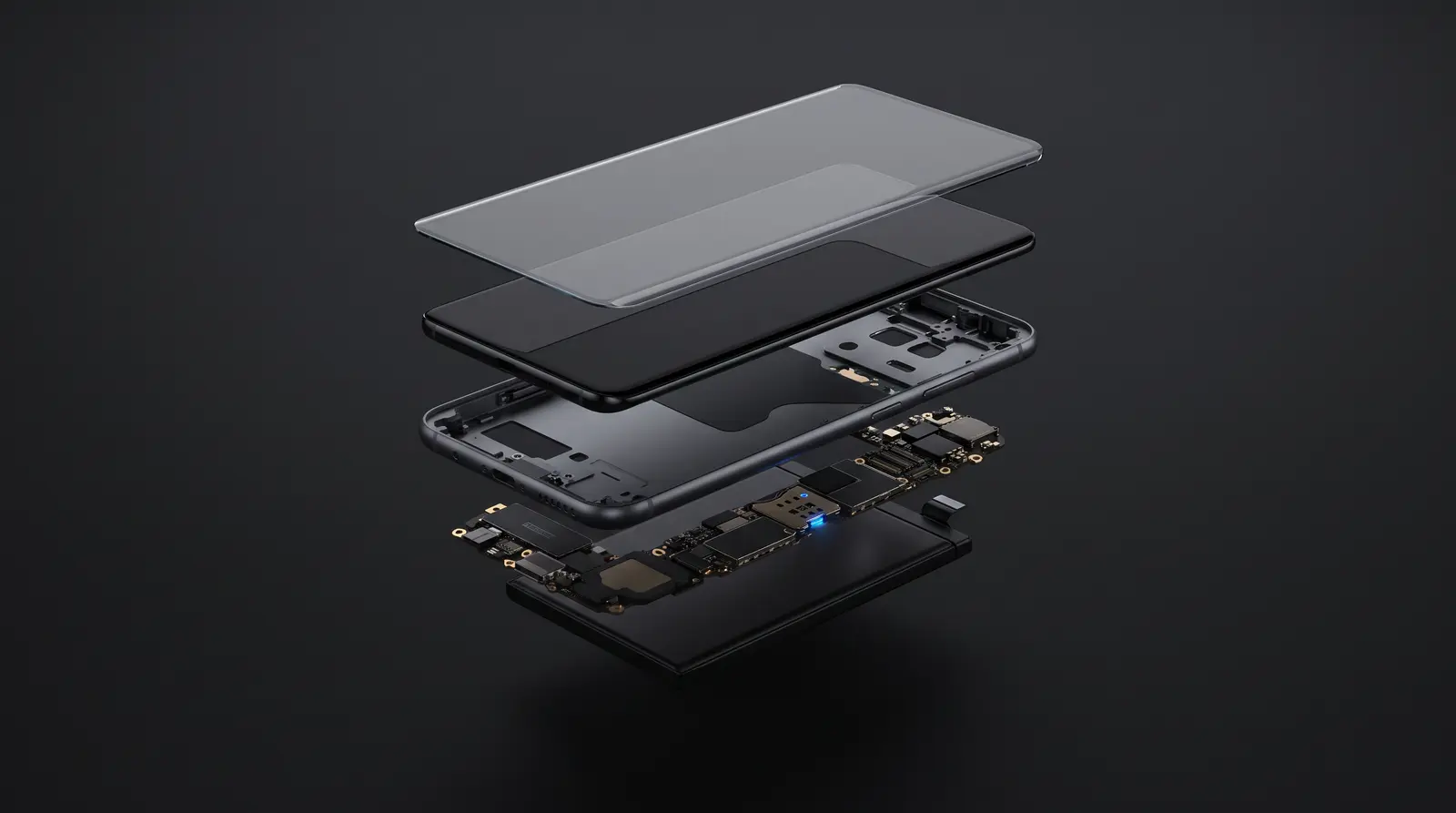
Sounds familiar?
Common symptoms
- Cracked screen, or a display with lines and dead zones
- Battery health degraded, sudden shutdowns, or the battery service message
- Charging issues on Lightning or USB-C
- Face ID or True Depth camera not working after a fall
- Boot loops, Apple-logo hangs, or a completely dead iPhone
Behind the symptom
Probable causes
- Drop and pressure damage to the laminated OLED assembly
- Battery cycle wear — visible in Settings → Battery → Battery Health on newer models
- Liquid ingress, particularly around the port and speaker mesh
- Board-level faults on charging or power management circuits
Step by step
How the repair works
Model-specific diagnosis
Every iPhone generation has its own known weak points; we test against them systematically.
Parts talk, in plain words
Original service-pack vs high-quality compatible — we show you the differences and how iOS will report the part, so there are no surprises.
Careful repair
Face ID components, sensors and seals are handled the way they were designed to be — original brackets, proper adhesive, no tape shortcuts.
Full function test
Display, cameras, Face ID, speakers, mics, charging and sensors verified with you at pickup.
Your choices
Repair options
Screen replacement
Service-pack quality or premium compatible panels — with honest advice about brightness, True Tone and iOS part messages.
Battery replacement
Quality cells fitted with proper sealing; we explain how battery-health reporting behaves with non-Apple-fitted batteries.
Board & water damage
Component-level repair for dead iPhones, charging faults and post-liquid corrosion.
Good to know
Before you visit
- Back up to iCloud or a computer if the phone is usable.
- Know your Apple ID password — Find My iPhone needs to be handled correctly around certain repairs.
- Note existing Face ID / Touch ID behaviour so we can verify it is unchanged after repair.
FAQ
Questions we hear every day
Will iOS show a warning after a third-party screen or battery?
On many models iOS notes a non-Apple-fitted part in Settings; the phone keeps working normally. We tell you exactly what your model will show before you approve the repair — no surprises afterwards.
Can you repair Face ID?
If Face ID failed due to a screen replacement elsewhere or a connector issue, it is often recoverable. Genuine True Depth hardware damage is sometimes beyond economical repair — we diagnose first and tell you straight.
Do you unlock iPhones or bypass iCloud?
No. We don't bypass activation locks or work on devices without ownership proof — it protects you, and every job is logged against IMEI.
My iPhone is under Apple warranty. Should I still come to you?
If warranty or AppleCare covers your fault, use it — we'll say so during diagnosis. We're the right choice when warranty has lapsed or the fault isn't covered.
Talk to us
Ready when you are
Message the branch with your phone model — we'll confirm parts, price range and timing before you travel.
Lucknow
V-6/276, Opposite SSB Building, Gomti Nagar Extension, Malesemau
Varanasi
B19/39, Reori Talab, Bhelupur, Opp. Tilbhandeshwar Park