
Premium Mobile Care
Charging port repair
Half the "dead charging port" phones we see just need a professional clean — pockets push lint into the port every day, and it compacts into a plug-blocking wad. The other half need the port replaced or resoldered. Diagnosis tells us which, before you pay for anything.
Sounds familiar?
Common symptoms
- The cable must sit at an angle or be held to charge
- Charging starts and stops on its own
- Slow charging on a charger that fast-charges other phones
- "Moisture detected" or "accessory not supported" warnings
- Laptop doesn't detect the phone for file transfer
Behind the symptom
Probable causes
- Lint and dust compacted at the back of the port
- Worn or spread port contacts after years of plug cycles
- Corrosion from moisture or sweat
- Broken solder joints where the port meets the board
- A failing charging IC — a board-level fault that mimics a bad port
Step by step
How the repair works
Clean & inspect
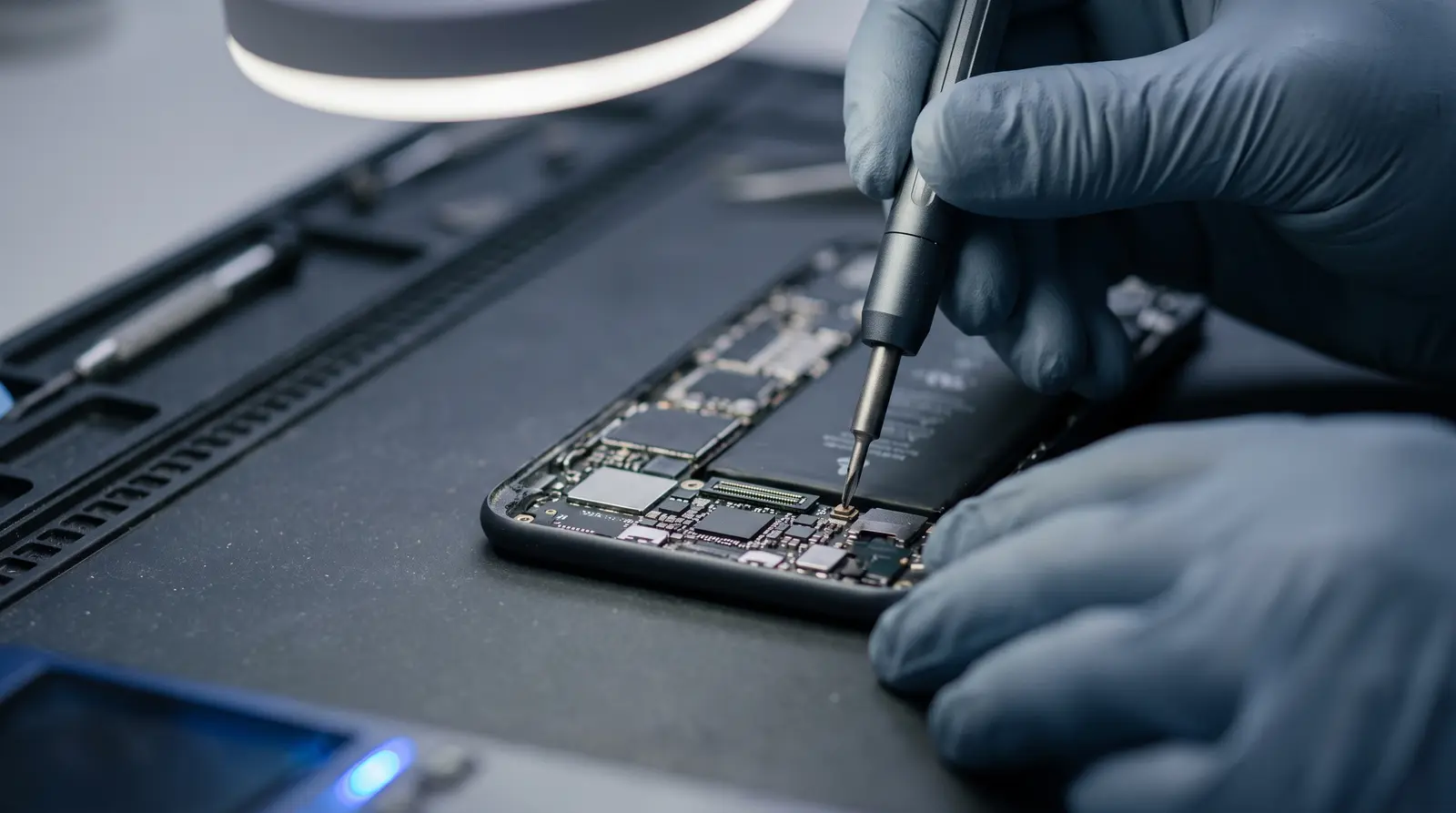
The port is cleaned and examined under magnification first. If cleaning solves it, that is what you pay for — a clean, not a replacement.
Test the chain
Cable, charger, port, battery and charging IC are checked separately so the real culprit is confirmed.
Repair
Depending on the model, the port is replaced as a sub-board or micro-soldered directly onto the main board.
Verify
Fast-charge negotiation and data transfer are both tested before handover.
Your choices
Repair options
Deep clean
The five-minute fix when lint is the culprit.
Sub-board replacement
Many Android models place the port on a small daughter-board — an economical, very reliable repair.
Board-level port replacement
For phones where the port is soldered to the main board, we replace it with proper hot-air and micro-soldering technique.
Good to know
Before you visit
- Bring your usual cable and charger — faults often live there, and testing with your own accessories gives an honest answer.
- Don't poke the port with pins or toothpicks at home; bent contacts turn a free clean into a paid replacement.
FAQ
Questions we hear every day
My phone charges only at an angle. Is that the port?
Usually it's compacted lint holding the plug away from the contacts, and a professional clean fixes it. If the contacts are worn, the port needs replacement — we confirm which under magnification before quoting.
Why does my phone say "moisture detected"?
Either genuine moisture, or corrosion/debris bridging the port's sense pins. Let the port dry; if the warning persists, the port needs cleaning or replacement.
Can a bad port damage my battery?
Indirectly, yes — intermittent charging cycles stress the battery, and a corroded port can feed unstable current. Fixing the port early is cheaper than fixing both.
Related services
Talk to us
Ready when you are
Message the branch with your phone model — we'll confirm parts, price range and timing before you travel.
Lucknow
V-6/276, Opposite SSB Building, Gomti Nagar Extension, Malesemau
Varanasi
B19/39, Reori Talab, Bhelupur, Opp. Tilbhandeshwar Park